

I’ve been in this game a long time, and honestly, the sheer amount of things you need to worry about to rank on Google is exhausting. It used to be simple: get a ton of links and stuff your content with keywords. If you did that, you were golden.
But not anymore.
If you’re still focusing only on backlinks and keyword density, I might be wrong, but you’re probably losing the fight for those top spots. Because today, the single biggest differentiator between a site that ranks number one and a site stuck on page two isn’t the link profile. It’s the experience.
This isn’t just theory, either. Google has spent the last decade making it painfully clear that if your user is unhappy, they’re unhappy. It’s a literal ranking factor now. This guide breaks down the nine non-negotiable UX elements that directly impact your SEO and shows you exactly how to fix them.
The Core Shift: Why UX is No Longer a “Soft” SEO Skill
The old SEO mindset was simple: Keywords and Links. If you had enough of both, you’d beat the competition. The new mindset is human-first: If the user is unhappy, Google is unhappy. It’s the difference between treating Google like a machine you can game and treating it like the mirror reflecting real-world user behavior that it actually is.
Defining the Relationship
Think about it like this: SEO gets the traffic, UX keeps it and converts it.
You can be a link-building wizard and a keyword research genius, driving 100,000 visitors to your site a month. But if that traffic lands on a slow, ugly, impossible-to-navigate mess of a website, they’ll hit the back button faster than you can say “pogo-sticking.” All that effort, all those links? Totally wasted.
SEO and UX aren’t separate departments anymore. They’re two sides of the same coin called Search Experience Optimization (SXO). It’s what happens when you combine the technical visibility of SEO with the conversion power of UX. It’s the new standard for digital success.
The Rise of Page Experience
This relationship has been a slow burn that turned into a wildfire. It didn’t happen overnight. It was cemented by Google’s algorithm updates over the years:
- Panda started the cleanup, focusing on content quality.
- Mobile-First Indexing made it clear your mobile experience wasn’t optional, it was primary.
- The 2021 Page Experience Update finally made it explicit. It took a whole group of user experience metrics and bundled them into an official ranking signal.
The message is unambiguous: build a better experience, and we will reward you.
UX vs. UI (Clarification)
Honestly, this part trips people up all the time. People often confuse User Interface (UI) with User Experience (UX).
- UI (User Interface) is the look. It’s the buttons, the colors, the fonts, the visuals. Think of a beautifully designed, sleek car dashboard.
- UX (User Experience) is the feeling and function. It’s how easy it is to find the information you need, how fast the page loads, and whether the checkout process requires six steps or two. Think of how smooth and intuitive it feels to drive that car.
Both matter for SXO, but Google’s core signals focus on the UX, the measurable friction or lack thereof.
The 9 Core UX Factors That Directly Impact Your SEO Rankings
Let’s get into the nitty-gritty. These factors fall into three groups: the technical signals Google uses directly, the behavioral signals that prove quality, and the foundational elements you simply can’t skip.
The Technical Trifecta: Core Web Vitals (The Direct Ranking Signal)
If you ignore these three metrics, you’re missing the clearest signal Google has ever given us about what matters. They are the direct ranking signals that make up your site’s Page Experience score.
Largest Contentful Paint (LCP)
LCP measures the perceived load speed. It’s the time it takes for the largest, main content element on your screen (usually a big hero image or the main text block) to fully load and become visible.
- The Target: You need to hit under 2.5 seconds. Anything over that, and you start seeing the penalty box.
- The Fix: Compress images, remove unnecessary third-party scripts, and ensure your server response time is lightning fast. I’ve seen sites shave a full second off their LCP just by properly optimizing their main hero image.
Interaction to Next Paint (INP)
Interaction to Next Paint is the new kid on the block, replacing First Input Delay (FID) as of March 2024. INP measures interactivity and responsiveness. It records the time from when a user interacts with a page (like clicking a button or tapping a menu item) to when the browser paints the next frame. It’s about how quickly your page responds to a user’s action.
- The Target: An INP score of 200 milliseconds or less is considered “Good.”
- The Fix: This is often an issue with heavy JavaScript executing on the main thread. You’ll need to defer non-critical CSS and JS to ensure the page is ready to respond immediately to user input. Why is a fast click-to-action non-negotiable? Because a user won’t wait. They’ll click repeatedly, get frustrated, and leave.
Cumulative Layout Shift (CLS)
CLS measures visual stability. We’ve all been there: you go to click a link or a button, and just as your finger is about to tap it, a rogue ad loads and the entire page shifts down, making you click something you didn’t mean to. That annoying experience is high CLS.
- The Target: You want a CLS score of 0.1 or less.
- The Fix: Always reserve space for images and ads using CSS aspect ratio boxes or explicit width and height attributes. Never let content jump around while it’s loading.
User Behavior Signals (The Indirect but Powerful Signals)
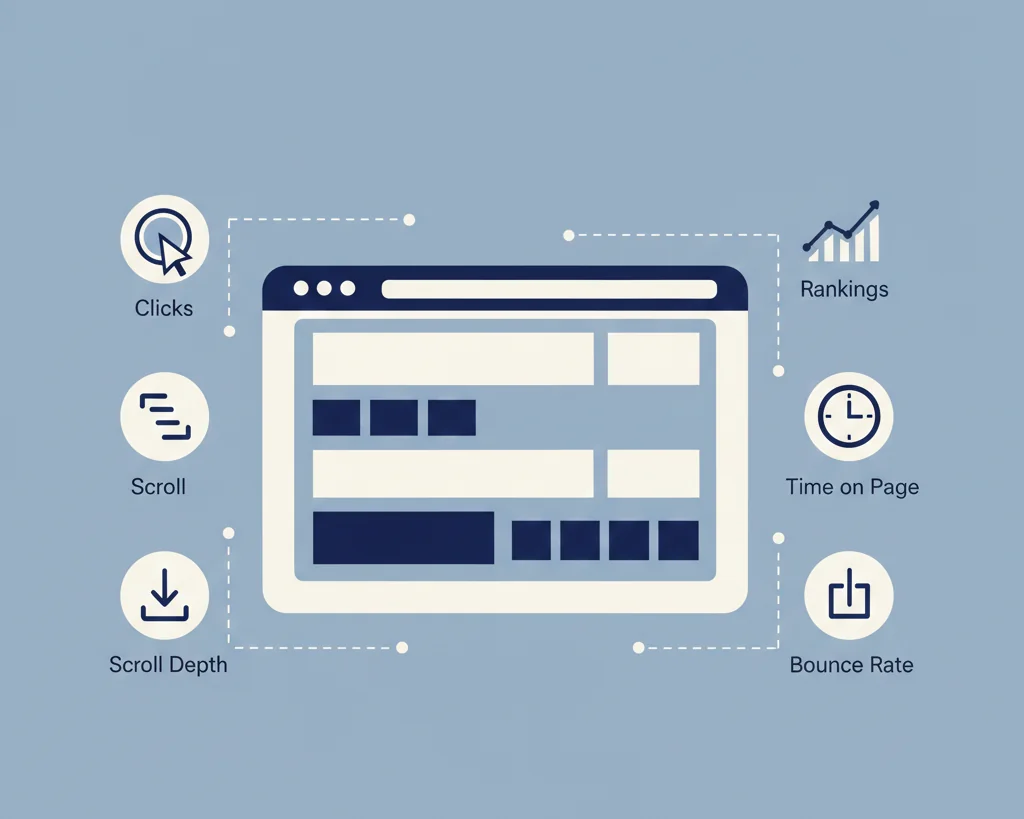
Google doesn’t use these as a direct “ranking factor” in the same way they use Core Web Vitals, but the behavior they measure tells Google a story: Was this page the best answer for the search query?
Dwell Time & Time on Page
Dwell time is the amount of time between when a user clicks on your search result and when they return to the SERP (Search Engine Results Page). Time on Page is just how long they stay.
If a user spends three minutes reading your guide, that signals quality and relevance to Google. It means your content solved their problem. If they spend three seconds and hit back, you failed the test. From most reports I’ve seen, anything over two minutes is generally a positive signal for an informational query.
Bounce Rate & Pogo-Sticking
The bounce rate can be confusing. A high bounce rate isn’t always bad. If a user searches for “weather in New York,” lands on a weather site, gets the answer, and leaves, that’s a satisfied bounce.
The killer is pogo-sticking. This is when a user lands on your page, stays for five seconds, hits the back button, and immediately clicks the next search result down the list. That action sends a powerful signal to Google: “Result number one was garbage, try number two.” If this happens repeatedly for your page, your ranking will sink faster than a rock.
Organic Click-Through Rate (CTR)
This is about getting the click in the first place, and it’s pure UX applied to the SERP. How do you get the click when you’re side-by-side with nine other competitors?
It’s all about the design of your snippet: a compelling title tag, a meta description that solves a problem, and well-designed rich snippets (star ratings, product availability) that catch the eye. A higher-than-expected CTR for your position is one of the strongest organic rank boosters you can get. Ahrefs, for example, has shown how a higher CTR naturally correlates with better ranking performance.
Pages Per Session
Pages per session measures how many different pages a user visits before leaving your site. This is the signal of engaging content and excellent internal linking/navigation.
If a user visits your “Best Laptops” guide and then immediately clicks over to your “Laptop Reviews” and then your “Affiliate Disclaimer,” that’s three pages per session. It tells Google your entire site is relevant and helpful, not just the single page they landed on.
Foundational Experience Signals
Mobile-Friendliness & Responsive Design
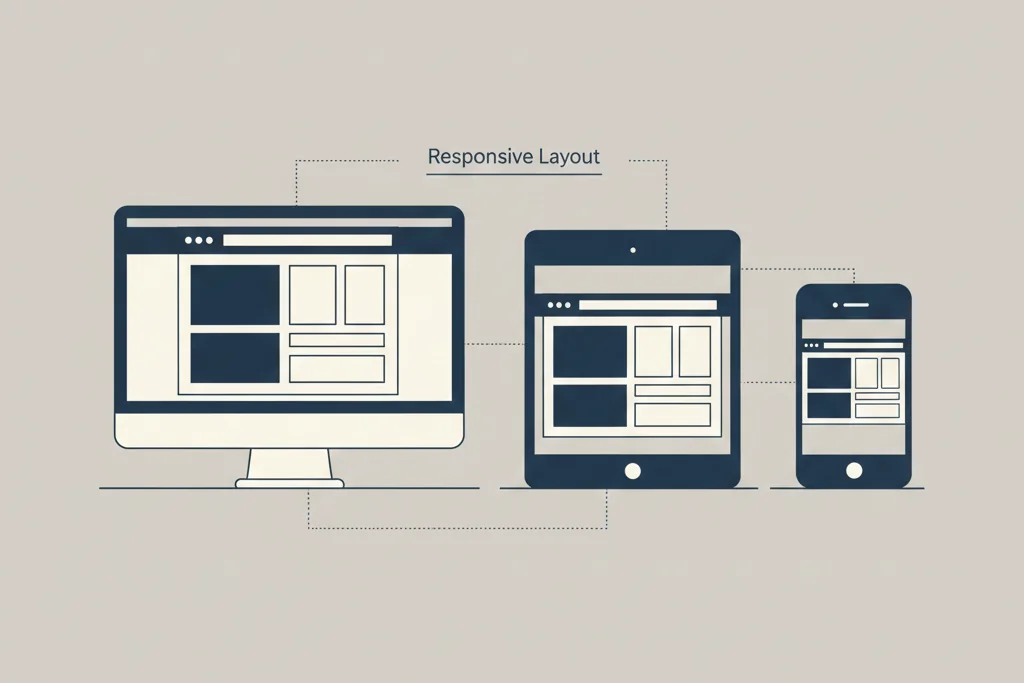
Since Google is mostly using mobile-first indexing, your site’s mobile experience is the one that primarily dictates your SEO fate. You have to go beyond basic responsiveness to true mobile-first UX.
- Are the tap targets big enough so people with big fingers don’t misclick?
- Is the font legible on a small screen?
- Are you using the proper viewport meta tag?
If I were starting a new site today, I’d probably build the mobile version first and then scale it up to the desktop, honestly. My previous experience shows that trying to shrink a desktop monster into a tiny phone screen always leads to problems.
HTTPS Security
This is the fundamental trust signal. Having an SSL certificate and running over HTTPS is an official part of the “Page Experience” score and has been a confirmed ranking signal since 2014. It’s non-negotiable. If you don’t have the little padlock in the browser bar, you’re telling the world, “I don’t care about my visitors’ security.”
How to Audit, Measure, and Improve Your UX for SEO Success

Understanding the nine factors is great, but knowing how to fix them is what puts food on the table. You need to get obsessed with the data.
The Essential Toolkit for UX-SEO Audits
Google Search Console
This should be your first stop. It gives you Google’s official report card.
- Core Web Vitals Report: This is ground zero. It shows you exactly which URLs are “Poor,” “Needs Improvement,” or “Good” across your entire site for LCP, INP, and CLS.
- Mobile Usability Report: It flags issues like small font sizes and touch elements being too close together. If you have any errors here, you need to fix them immediately.
Google PageSpeed Insights
This is a deep diagnostic tool. Plug in any URL and it gives you lab data (simulated) and field data (real user data) and, most importantly, actionable suggestions. It tells you things like, “Eliminate render-blocking resources” and “Properly size images.” These are the instructions you hand directly to your development team for LCP and INP improvements.
Heatmaps & Session Recordings (e.g., Hotjar, Crazy Egg)
Search Console tells you what is broken, heatmaps tell you why people are leaving. You can literally watch a recording of a user’s session.
- Rage Clicks: Seeing a user click a non-clickable element five times in a row is the ultimate point of friction.
- Scroll Depth: If nobody scrolls past the first two paragraphs, your intro sucks.
- Identifying Friction: My previous experience has shown that what we think is clear navigation is often a maze to a new user. Heatmaps reveal the truth.
Actionable Optimization Strategies (Your UX-SEO Checklist)
Optimize for Readability
Good UX makes reading effortless. Bad UX makes it a chore.
- Use ample white space and short, punchy paragraphs. Nobody wants to see a wall of text.
- Use clear, logical H-tags ($H_2$, $H_3$, etc.) to break up content and signal topic hierarchy to Google.
- Keep the reading level simple. The Flesch-Kincaid test is a great starting point, aiming for a seventh or eighth-grade reading level.
Streamline Site Navigation
A user should never have to think about where to go next.
- Implement breadcrumbs so users know their place in the site hierarchy.
- Ensure clear Calls to Action (CTAs). Don’t make the user hunt for the next step.
- Aim for a flat site hierarchy (max 3-4 clicks from the homepage to any important page). This improves user flow and link equity distribution.
Content-Intent Alignment
This strategy is key to reducing pogo-sticking. You must ensure your content format perfectly matches the user’s intent.
- If the user has an informational intent (keyword: what is content marketing), give them a long-form guide.
- If they have a transactional intent (keyword: buy running shoes size 10), give them a product listing page, not a blog post.
If you match the intent, the user stays, the dwell time increases, and Google smiles. If you don’t, they pogo-stick right back to the SERP.
The SXO Mindset: The Future of Blending Search and Experience
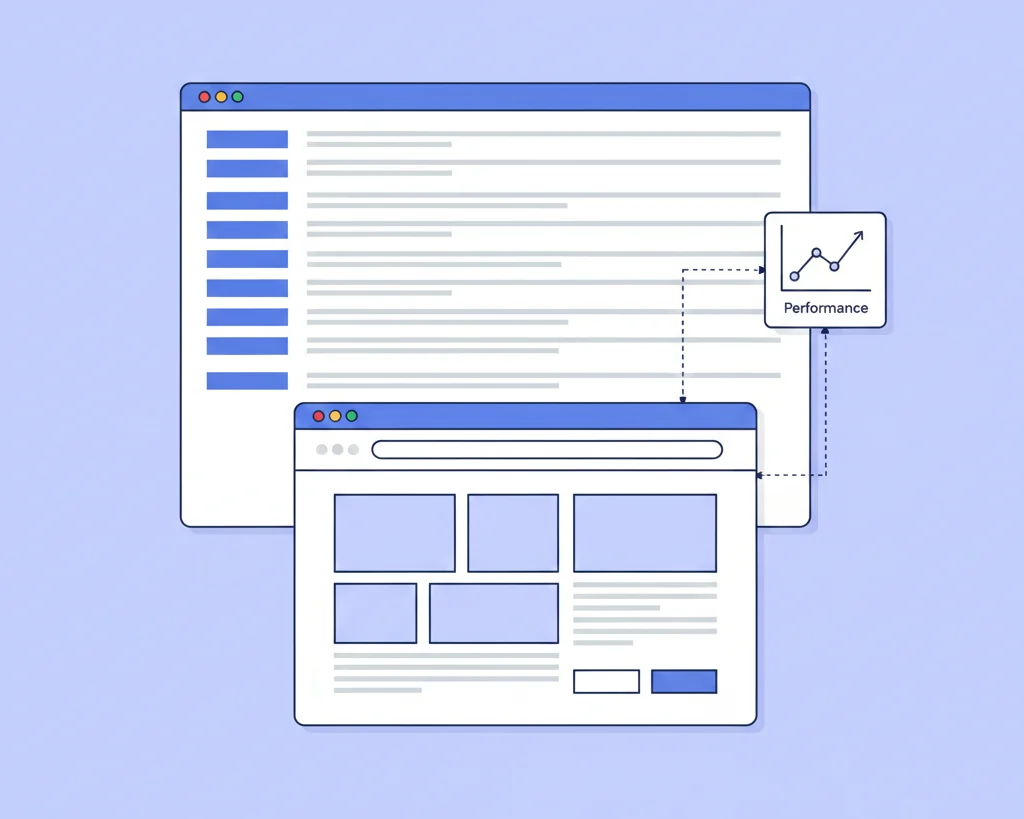
What is SXO?
Search Experience Optimization (SXO) is the recognition that the modern SEO battle isn’t won by purely technical tweaks. It’s the art and science of optimizing your site to be the most satisfying experience possible for the user who arrives via search. It encompasses Core Web Vitals, CTR, conversion optimization (CRO), and everything else we’ve talked about.
A Case Study: Speeding Up the Checkout
Imagine an e-commerce store with excellent rankings but a dismal conversion rate. Their Core Web Vitals were fine, but their checkout process was six long, mandatory steps.
They simplified the checkout to a three-step, one-page system. What happened next wasn’t just a conversion increase. Because the new, faster, more satisfying user flow increased the organic conversion rate by 15%, the system signaled massive trust. Users were completing their goal (buying something), which drastically lowered the exit rate from the checkout pages.
The result? The store saw a 20% increase in organic rankings for their core product keywords over three months. Why? The search experience, the ultimate user flow, was now better than the competitor’s. The simple UX improvement led to a revenue spike and a massive organic rank increase.
The E-A-T/E-E-A-T Connection
How a high-quality, trustworthy user experience reinforces your site’s Experience, Expertise, Authoritativeness, and Trustworthiness.
Think about a site with a pop-up ad that covers 90% of the screen. Does that scream “trustworthy expert” to you? No. It screams “cash grab.” A site that is fast, secure (HTTPS), easy to navigate, and has clear author bios and contact information signals high E-A-T. Good UX is the clothing E-A-T wears. It’s the visual, functional proof that you are a legitimate, user-focused entity.
Common Questions (FAQs)
Q: Is Bounce Rate a direct Google ranking factor?
No, bounce rate itself is not a direct ranking factor. Google has stated this multiple times. However, the behavior it measures absolutely is. If a user returns to the SERP (pogo-sticks) quickly after visiting your page, that behavior is a powerful, negative quality signal. Google sees that and says, “That page didn’t satisfy the user’s intent.” So while the number isn’t used directly, the action it represents is key.
Q: Can bad UX undo great link building?
Yes. I’ve seen this countless times. You can have the best link profile in the world, but if your site has critical Core Web Vitals issues, constant layout shifts, or is basically unusable on mobile, Google will eventually throttle your rankings. A perfect link profile might get you to the top, but bad UX will kick you out when a better-performing competitor comes along.
Q: What is the most critical Core Web Vital to fix first?
If this were my setup, I’d probably try to fix Largest Contentful Paint (LCP) first. Why? Because it’s the most visceral user experience issue. If your page takes too long to load the main content, the user is already gone. You can’t optimize for anything else if the page doesn’t stick around long enough for the user to interact. Speed is fundamental.
Q: How often should I check my UX metrics?
You should check your Core Web Vitals Report in Google Search Console at least once a week. Speed and performance can change rapidly based on new plugin updates, theme changes, or code releases. For behavioral metrics (like heatmaps and session recordings), a deeper audit once a month is typically sufficient to spot new friction points.
Build for the User, and Google Will Follow
The whole point of this new era of SEO is simple: Google is trying to be a user. They want to recommend the fastest, most helpful, and most satisfying result for every search.
In the battle for the top spot, the winner isn’t the site with the most backlinks, it’s the one that delivers the most satisfying, friction-free experience. Stop trying to game a machine that no longer exists and start building a website that genuinely helps and delights the human being on the other end of the screen. Do that, and your rankings will take care of themselves.