
When you decided to launch your high-volume eCommerce store on Magento, you chose power, flexibility, and scalability. You also, unknowingly, chose a platform that’s going to make your SEO specialist want to quit.
I’m not trying to be dramatic, but Magento is an absolute beast to optimize. It’s an enterprise-level machine that can handle thousands of SKUs and complex layered navigation, but that same power is exactly what creates its most frustrating SEO challenges, mainly around speed and duplicate content.
We’re going to fix it.
This isn’t some fluffy guide. This is a comprehensive, actionable checklist built from years of fighting with Magento’s core SEO flaws. We’ll start with the biggest, ugliest technical problems and then move into high-leverage content and authority-building strategies.
Ready to stop wasting crawl budget and start driving converting traffic? Let’s dive in.
The Magento SEO Reality Check: Why It’s Different (and Harder)
Most people who come to me with a Magento SEO problem think they have a content problem. I might be wrong, but honestly, about 90% of the time, the real issue is lurking deep in the technical foundation.
What is Magento SEO?
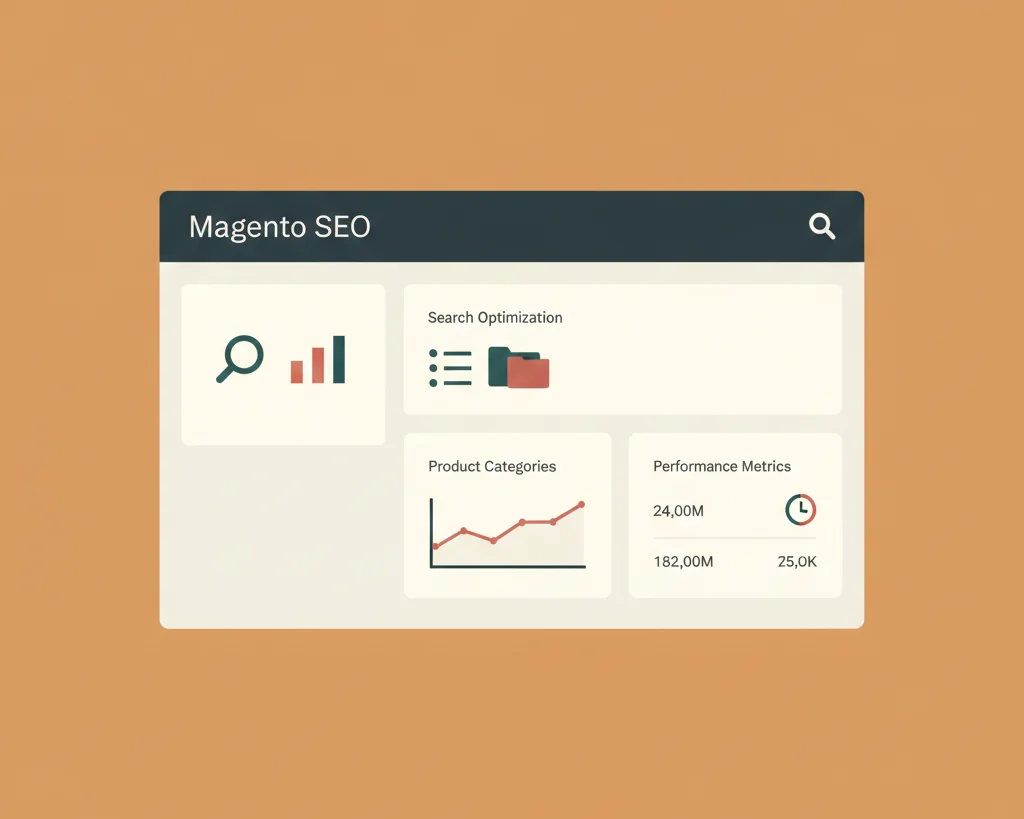
In simple terms, Magento SEO is the process of optimizing your eCommerce store built on the Magento platform (typically Magento 2) to rank higher in search engines.
It still relies on the three classic SEO pillars:
- Technical SEO: The foundation. Is your site fast, crawlable, and indexable?
- On-Page SEO: The content. Are your category and product pages relevant and compelling?
- Off-Page SEO: The authority. Do other trusted sites link to you?
The unique challenge here is that Magento’s out-of-the-box configuration is often actively hostile to Technical SEO best practices, especially if you have a huge catalog or a multi-store setup.
The Cost of Ignoring Magento-Specific SEO
Look, you can ignore the technical issues for a while, but it will catch up to you in a nasty way.
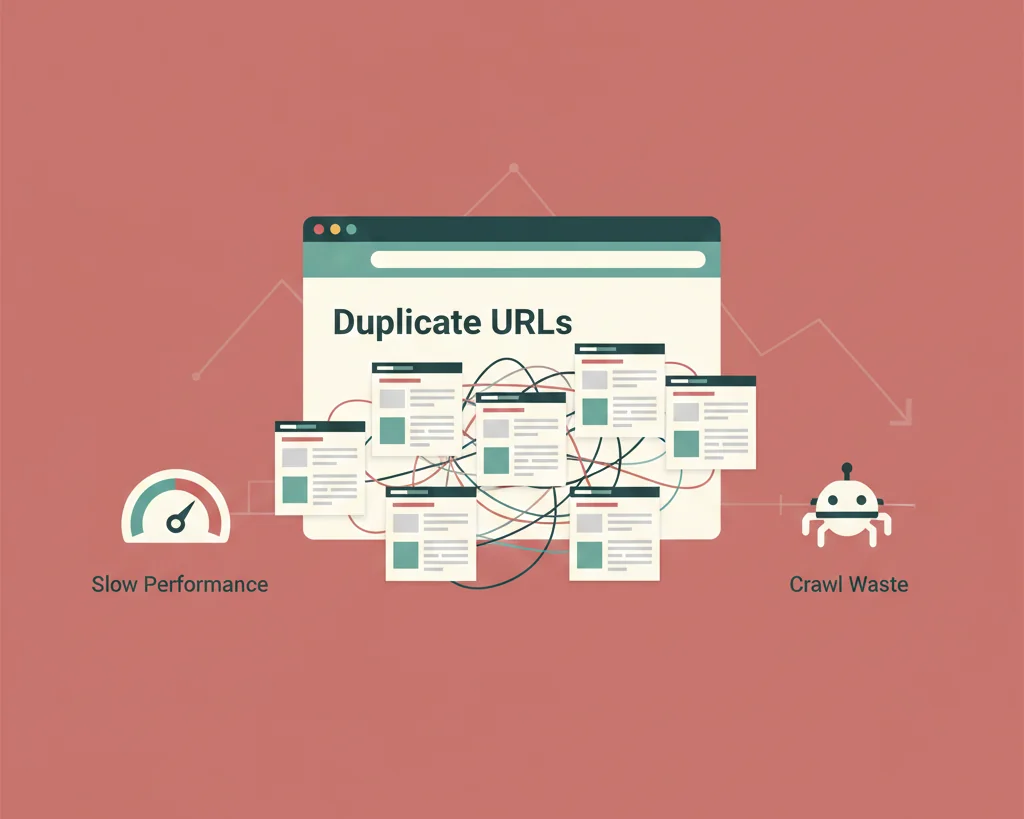
- Crawl Budget Wastage: Magento’s filters and parameters create thousands of low-value, unique URLs. Googlebot wastes its limited “crawl budget” on junk pages instead of crawling your actual money-making product pages. This means your new, important products might sit unindexed for days.
- Severe Duplicate Content Issues: This is the big one. An unoptimized Magento store can have the same product accessible via multiple URLs (e.g., via different categories, or with tracking parameters). When Google sees multiple identical pages, it gets confused, and your desired page, the one you want to rank, often gets suppressed or fails to rank strongly.
- Slow Core Web Vitals (CWV): A slow site doesn’t just hurt your rankings, it actively kills your bottom line. Research shows that a mere 1-second delay in page load time can reduce conversions by up to 7% for eCommerce platforms (Source: Forbytes, citing industry research). Magento’s complexity often results in heavy JavaScript and CSS loads, making it notoriously slow out of the box.
Magento 1 vs. Magento 2 SEO: Key Differences to Know
If you are still on Magento 1, you need to stop reading this right now and budget for migration. Magento 1 reached its End-of-Life (EOL) years ago, meaning it gets no security updates. You’re playing with fire.
If you’re on Magento 2, congratulations, the foundation is much better. M2 brought improvements like:
- Built-in Canonical Tags: A cleaner default setup than M1.
- Improved Caching: Full Page Cache (FPC) is much more robust.
- Better Admin UI: The SEO fields are easier to find and manage, though still often overlooked.
The rest of this guide focuses on Magento 2, as that’s the platform you should be on.
Pillar 1: Technical SEO – Laying a Lightning-Fast Foundation
This is where you earn your money. Fix the foundation, and everything else gets an organic boost. If you skip this, your amazing new content will be trying to rank on a broken server.
The biggest technical flaw in Magento is speed, followed closely by indexation control.
Mastering Site Speed & Core Web Vitals (CWV) on Magento
If your Largest Contentful Paint (LCP) is over 2.5 seconds, you’re failing Core Web Vitals. For a high-stakes eCommerce site, that’s just unacceptable.
Tip 1: Image Optimization: Enable Native WebP/Lazy Loading
Go into your settings and make sure you’re using modern image formats like WebP where possible. More importantly, ensure non-critical images are lazy-loaded. This means the browser only loads the images the user can see right now, saving huge amounts of time on initial page load. My previous experience has shown this simple step alone can improve LCP by several hundred milliseconds on image-heavy category pages.
Tip 2: Varnish & Full Page Cache (FPC) Configuration
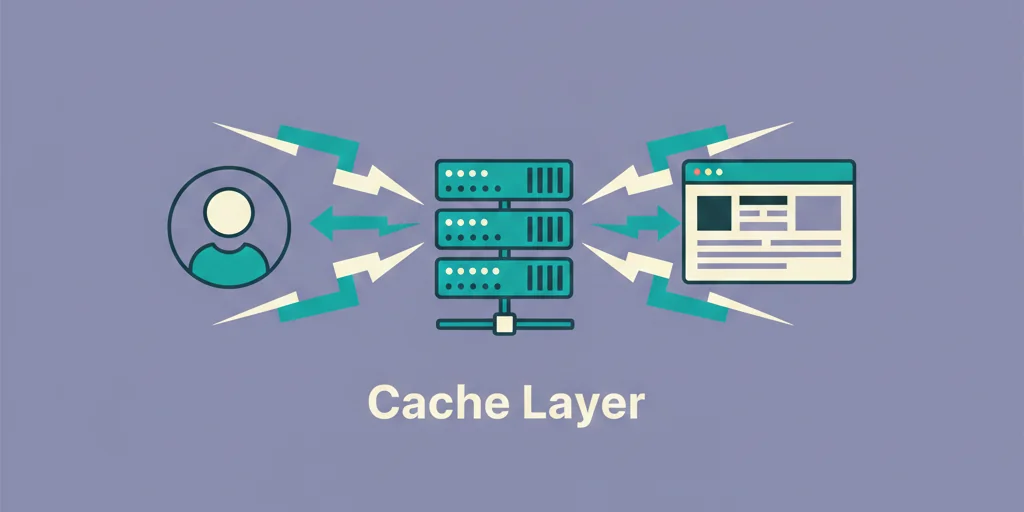
You absolutely must have Varnish Cache running correctly. Magento 2’s built-in Full Page Cache is powerful, but it’s often overlooked or misconfigured on shared hosting. Ensure it’s set up at the server level to cache static content before Magento even processes the request. If you’re not sure how to do this, hire a developer, because this is non-negotiable for site speed.
Tip 3: Minify & Bundle JavaScript and CSS
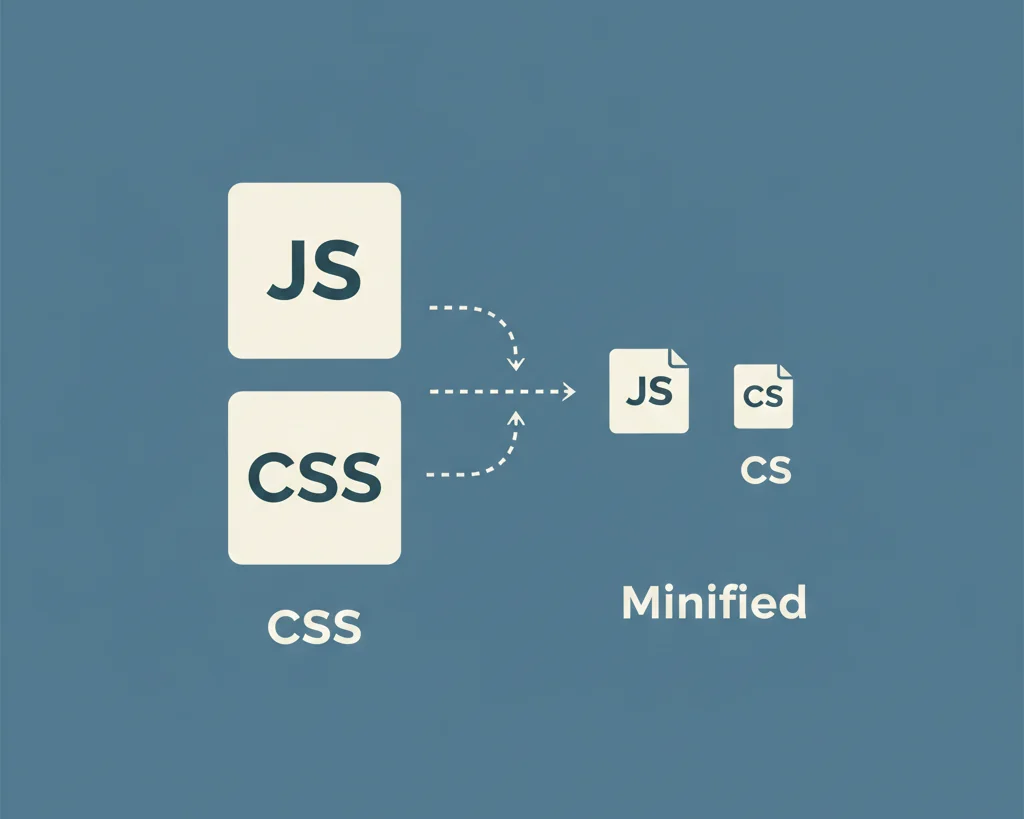
Magento lets you minify (remove unnecessary characters) and bundle (combine multiple files) your CSS and JavaScript. This reduces the number of server requests a browser needs to make.
Warning: Bundling can sometimes break things or make a very slow site even slower if done badly. Try minification first, test your CWV, and only then proceed with cautious bundling if needed.
Tip 4: Server & Hosting Choice
Here’s where I’d probably mess this up if I rushed: trying to save a few bucks on cheap shared hosting. Cheap hosting kills Magento SEO performance. Magento is a resource hog. You need dedicated or high-quality managed cloud hosting (like AWS, Google Cloud, or a specialized Magento host) with ample CPU and RAM. Check your Time to First Byte (TTFB). Google recommends a TTFB of 800ms or less (Source: Google). If your server is slow, no amount of frontend optimization will save you.
Tip 5: Asynchronous Loading
Identify the non-critical CSS or JavaScript (like a cookie banner script or a tracking pixel) and defer or load them asynchronously. This allows the primary content (your product listing) to load immediately, improving LCP and perceived performance.
Fixing Magento’s Duplicate Content Nightmare
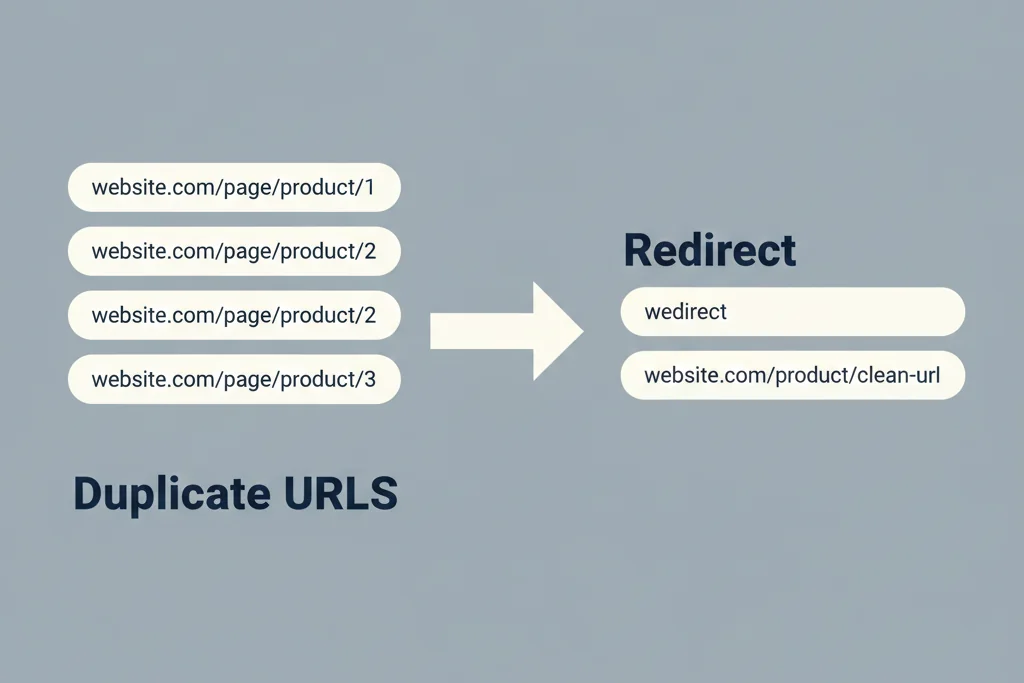
This part trips people up all the time. Magento’s flexible navigation is an SEO minefield.
Tip 6: Canonical Tags Mastery
Magento 2 includes a setting to automatically add self-referencing canonical tags, and you need to ensure this is correctly enabled for both Categories and Products.
Go to: Stores > Configuration > Catalog > Catalog > Search Engine Optimization
Make sure Canonical Link Meta Tag is set to Yes for both Product and Category. This tells Google: “Yes, this URL exists, but this specific version is the preferred one.”
Tip 7: Layered/Faceted Navigation: The Critical Fix
When a user filters products by ‘Size Large’ and ‘Color Blue,’ Magento creates a new, unique URL with parameters. Indexing all of these creates massive duplicate content. This is the most critical SEO fix on any Magento site.
For most filter combinations that don’t target a highly specific, high-search-volume term (like “Nike Air Max Size 11 Black”), you should use noindex, follow meta robots tags to prevent Google from indexing the page while still allowing it to follow the internal links.
- Use the noindex directive for filter pages that generate thin, duplicative content (e.g., /shoes?size=small).
- Use the rel=canonical tag to point filtered pages back to the main category page.
Tip 8: Session IDs & Tracking Parameters
Magento sometimes appends parameters like __SID (Session IDs) or other tracking parameters to the URL. These create duplicate versions of every single page.
Block the crawling of these parameters via Google Search Console under Crawl > URL Parameters to tell Google to ignore them. For Session IDs, you can often block them directly in your robots.txt file.
Tip 9: Disable Paths
Do you really need search engines crawling your Wishlist, Compare, or even the Internal Search Results pages? No. These are low-value, high-duplication areas that waste crawl budget. Block them from indexing using a noindex meta tag or a Disallow rule in your robots.txt file.
Crawling & Indexing Optimization
Tip 10: Optimizing robots.txt
Your robots.txt file is the digital rope line for search bots. Be surgical. You want to allow Google to access critical assets (CSS, JS) for rendering, but block the waste.
Essential Disallow paths:
- /admin/
- /checkout/
- /customer/
- /catalogsearch/ (Block the search result pages)
You absolutely must Allow: /pub/static/ and /media/ so Google can properly render your CSS, JS, and images to evaluate your page experience.
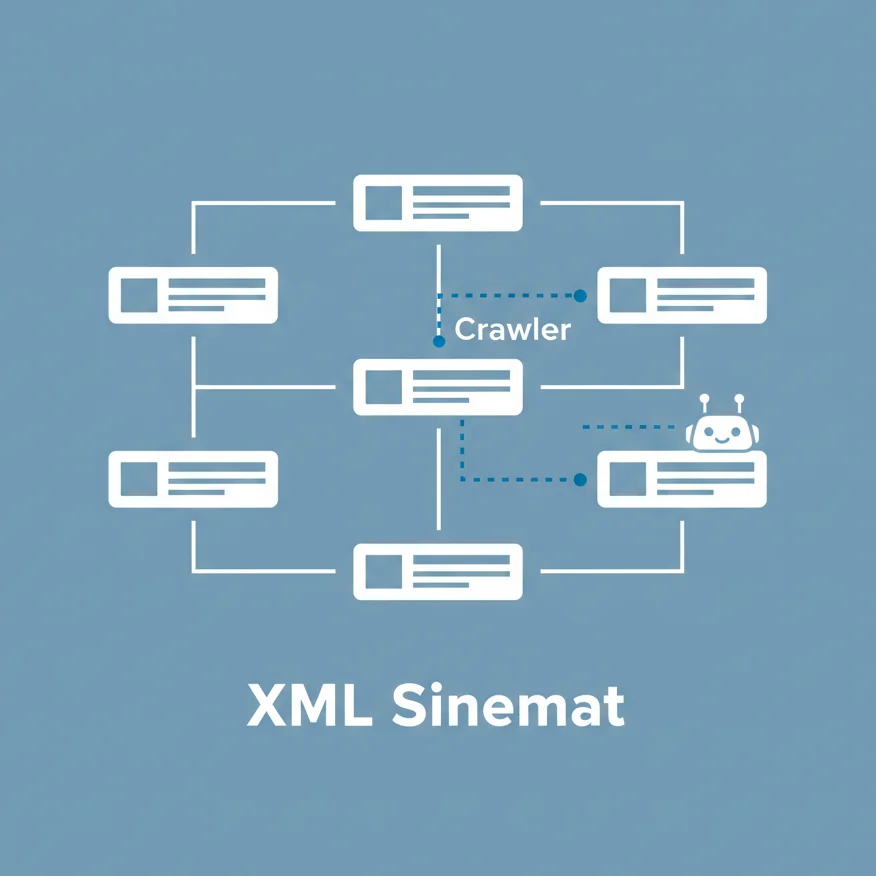
Tip 11: XML Sitemap
Magento can automatically generate an XML sitemap. Ensure it’s doing two things:
- Including Images: Make sure your product images are included in the sitemap to help them get indexed in Google Images.
- Cleanliness: Only include canonical, indexable URLs. You don’t want your sitemap to be a list of duplicate, filtered, or temporary pages.
Submit the clean sitemap to Google Search Console (GSC).
Tip 12: URL Rewrites
Magento’s URL rewrite system is notorious for generating multiple URLs (like one with a -1 or -2 appendage) for the same content when you change a product name. You need to periodically audit and clean up your URL Rewrite Management table, implementing a 301 redirect from the old, duplicate path to the single, correct path. If this were my setup, I’d probably set up an audit alert for any 404s appearing in GSC and check the URL rewrite table first.
Structured Data & Schema Markup
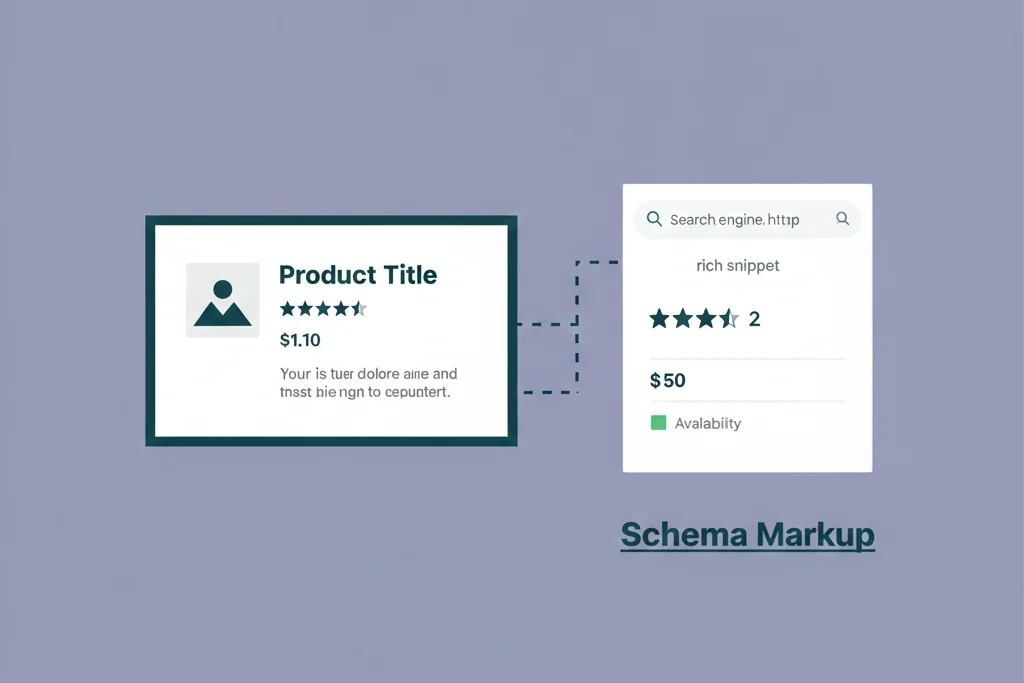
This is how you get those rich, clickable results in the SERPs.
Tip 13: Product Schema
For eCommerce, this is a massive CTR booster. You need to ensure your product pages are correctly marking up the following data with structured schema:
- Product Name (H1)
- Aggregate Rating (for those shiny stars)
- Review Count
- Price and Currency (with the correct offers markup)
- Product Availability
You can’t usually do this natively in Magento, you’ll need a solid extension to handle the complexity, like something from Amasty or Magefan, or a custom development.
Tip 14: Organization & Breadcrumb Schema
Ensure your breadcrumb trail (the path at the top: Home > Category > Subcategory > Product) is correctly marked up with BreadcrumbList schema. This helps Google understand your site structure and often appears visually in the search results, making your listing clearer.
Pillar 2: On-Page SEO – Optimizing Categories & Products for Sales
Technical SEO gets you indexed. On-Page SEO gets you sold. Now we focus on maximizing relevance and click-through rate (CTR).
Category Page SEO Strategy
Category pages are your primary traffic drivers for high-volume, competitive terms.
Tip 15: Unique Top/Bottom Content
Just putting a title and listing products is lazy. Add keyword-rich content above the product grid to establish relevance to the user and the search engine. Then, add a longer, more detailed content block below the product grid (using H2s and H3s) for the serious shoppers, so the primary product grid is not pushed down.
Tip 16: Dynamic Meta Templates
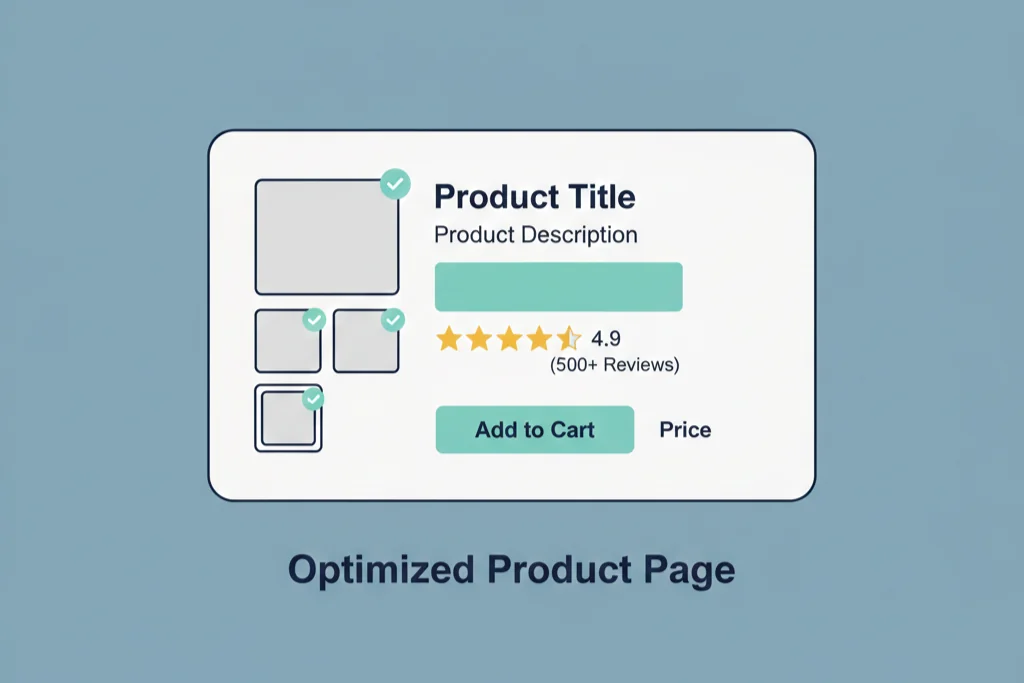
With thousands of categories, you can’t manually write every Title and Meta Description. Use Magento’s Meta Data Templates to auto-generate unique content using variables.
For example, a title template could look like: Buy {Category Name} Online | {City/Region} | Free Shipping Over $50
This lets you scale unique, relevant meta tags, which is much better than having a hundred categories with the exact same description.
Tip 17: Targeting Long-Tail Filters
Remember that “noindex” rule from Tip 7? Sometimes, you want to index a filtered page if it hits a valuable long-tail query. For instance, if you sell sneakers, womens-nike-running-shoes is a filter combination you absolutely want to index and optimize. Give that filter combination a proper URL, a unique Title tag, and a Meta Description.
Product Page SEO Mastery
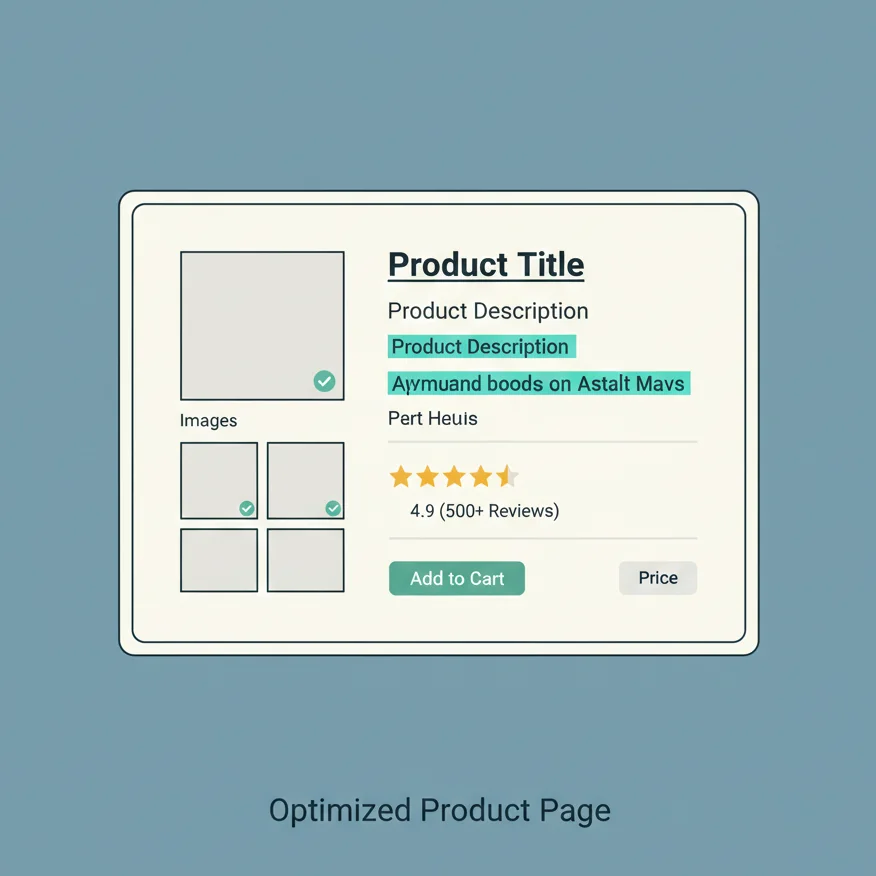
Product pages are all about conversions, but they need to be found first.
Tip 18: Compelling, Unique Descriptions
Honestly, this is the most common mistake. People use the boilerplate manufacturer description. An Ahrefs study will tell you that thin, duplicate content is an SEO killer. Take the time to create a unique, benefit-focused description for your top-selling products. For the lower-tier products, even a slightly re-written, personalized paragraph will make a difference.
Tip 19: Image Alt Text
Use Alt Text for accessibility, but also for SEO. It helps search engines (and visually impaired users) understand what the image is. Best practice is to use the Product Name + Keyword/Context.
- Bad: image001.jpg
- Good: Red Cotton T-Shirt with Logo, Front View
Tip 20: Optimized URL Key
Keep your product URL keys short and keyword-focused. Magento often defaults to including the category path in the URL, which can create redundancy and duplication if a product is in multiple categories. Check your configuration and ensure you have a simple, flat URL structure for products if possible.
Tip 21: H1 Structure
The Product Name on the page should be the only H1 tag. All other structural headings should be H2, H3, etc., ensuring a clean, logical content hierarchy.
General On-Page Elements
Tip 22: Homepage Optimization
Your homepage balances branding with core category keywords. Use the text area above the fold to clearly state what you sell and who you are for. Use internal links from the homepage to your top-tier, money-making categories to pass the maximum amount of link equity.
Tip 23: Internal Linking
The Related Products, Up-sells, and Cross-sells features in Magento aren’t just for conversion, they’re your primary internal linking strategy. By linking a new product to a high-authority best-seller, you are actively passing “link juice” and telling Google this new page is important.
Tip 24: Customer Reviews
Reviews are user-generated content (UGC). They provide fresh, unique text to product pages, signal trust, and are essential for Product Schema Rich Snippets. Integrate a robust review extension (like Yotpo or Trustpilot) and make sure the reviews are crawlable text, not just images.
Pillar 3: Off-Page SEO & Content Strategy
Your site is fast and clean. Now it’s time to build its reputation.
Content Marketing for Magento
If you only sell products, you’ll only rank for product-related keywords. To capture informational search volume and build authority, you need a blog.
Tip 25: Blog Integration
Magento does not have a great native blog solution. You’ll need to install an SEO-friendly extension (again, check out Magefan or similar reputable vendors) or integrate a subdomain blog like blog.yourstore.com running WordPress.
Tip 26: The Hub & Spoke Model
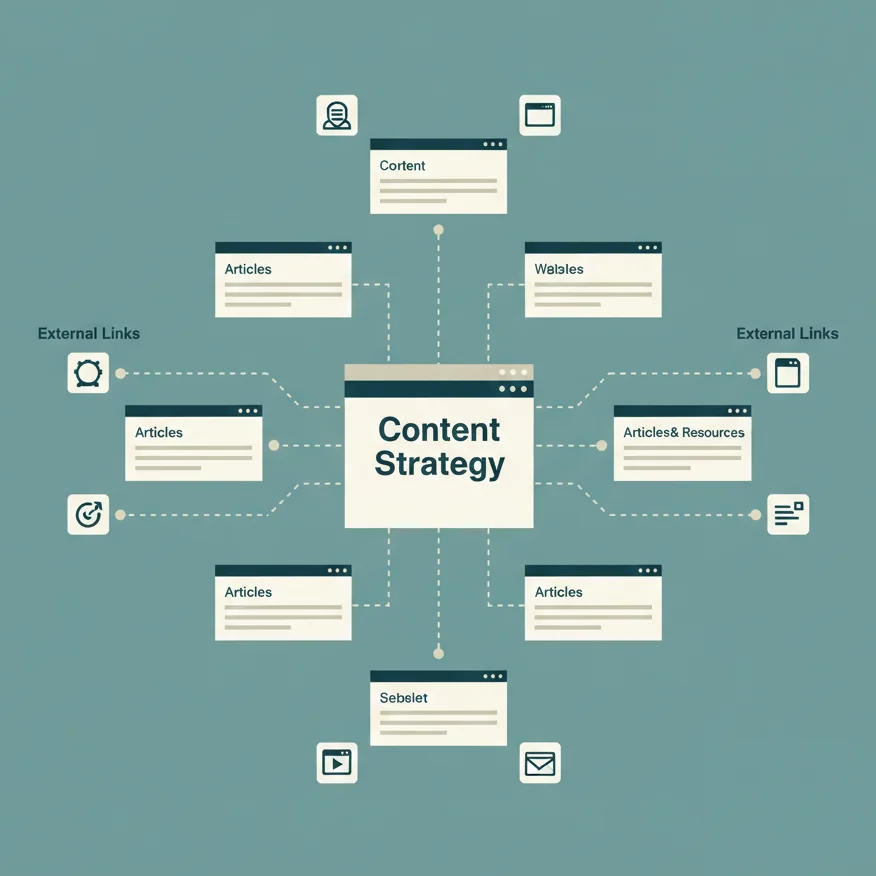
Structure your content like a wheel.
- Hub: A high-authority, comprehensive informational article (e.g., “The Ultimate Guide to Leather Cleaning”).
- Spokes: Money pages (your individual leather cleaning products and category pages).
The Hub links heavily to the Spokes, passing authority and relevance, making those commercial pages rank better.
Tip 27: Buyer’s Guides & How-Tos
Target the pre-purchase questions. Create content that answers, “Best leather cleaner for [Product]” or “How to restore a faded leather sofa.” These guides get links, build trust, and bring in users right before they are ready to buy.
Link Building Essentials for E-commerce
Tip 28: Unlinked Brand Mentions
Use a tool like Ahrefs or Moz to find every time someone has mentioned your brand or a product name without actually linking to you. A simple outreach email asking for a link often results in a quick win.
Tip 29: Supplier/Manufacturer Links
Do you stock a major brand? Most manufacturers have a “Where to Buy” page. Ask your suppliers to link directly to your main brand category page. It’s an obvious link that’s often missed.
Tip 30: Product Reviews & Roundups
Send free samples of your unique or best-selling products to influential niche bloggers and industry reviewers. An honest mention in a high-authority “Best X of 2026” roundup is SEO gold.
Advanced Magento Features & Tools
Multi-Store & International SEO (Hreflang)
Tip 31: Correct Hreflang Implementation
If you have a multi-store setup targeting different countries or languages (e.g., US English and UK English), you need hreflang tags. This tells Google that two pages are equivalent but for a different audience. This is crucial to prevent content duplication across different stores. You’ll need an extension to manage this complex implementation correctly.
Tip 32: Unique Content per Store View
Even if you’re using the same language (US vs. UK), create slightly different product and category descriptions for each store view. This avoids content duplication between the two stores and makes your content feel more localized.
Recommended Magento SEO Extensions (Avoid Rewriting Core Code)
Don’t rewrite core Magento code for SEO fixes, you’ll break your site every time a new version is released. Instead, rely on battle-tested extensions.
- Advanced Canonical/Robots Management: For surgical control over layered navigation and canonicals.
- Rich Snippets/Schema Markup: To properly handle all the complex structured data.
- Blog Functionality: For implementing a proper content marketing strategy.
Monitoring & Auditing with External Tools
Tip 33: Google Search Console (GSC) & Bing Webmaster Tools
Check your GSC every week. The Core Web Vitals Report and Coverage Report are your daily lifeblood. You’re specifically looking for spikes in crawl errors, sudden drops in CWV performance, or new URLs appearing that shouldn’t be indexed.
Tip 34: Screaming Frog
You cannot audit a large Magento site without a dedicated crawler. Set up Screaming Frog to crawl your site, looking for:
- Broken Canonical Tags: Pages where the canonical tag points to the wrong URL.
- Redirect Chains: Long chains of 301/302 redirects, which slow down the site.
- noindex tags on important pages.
Common Magento SEO Mistakes to Avoid
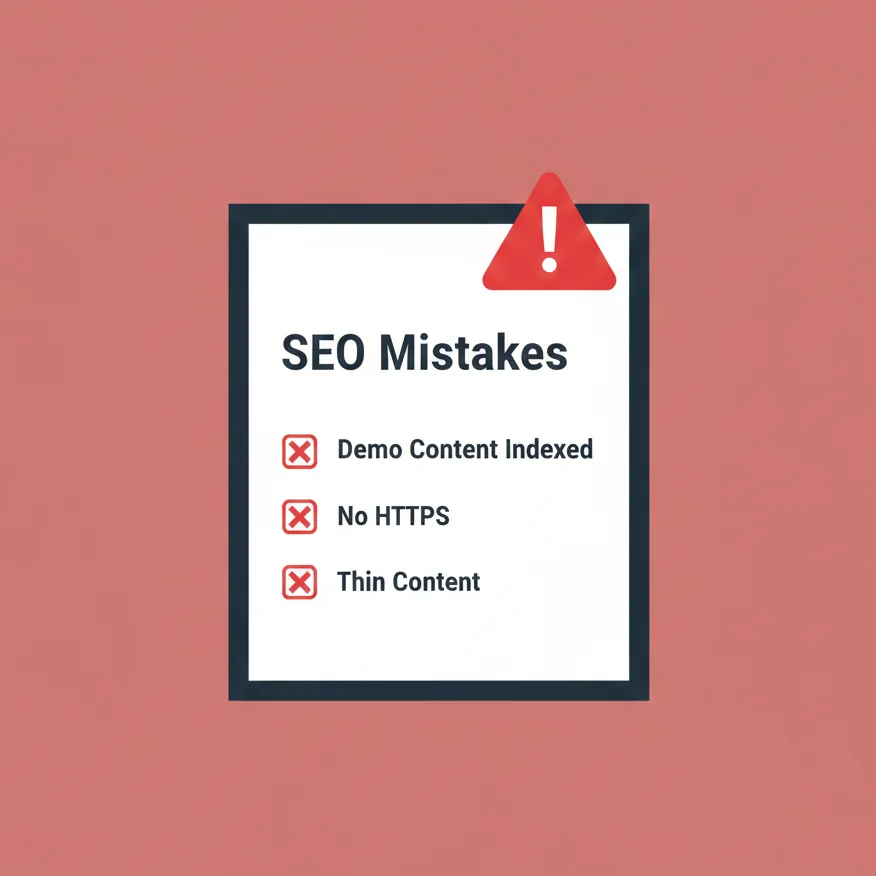
- Leaving the default Magento demo content indexed. You look sloppy and waste crawl budget. Delete it.
- Not using HTTPS sitewide. It’s 2026, you need a security certificate. My previous experience suggests this isn’t even a ranking factor anymore, it’s just a non-negotiable requirement.
- Over-indexing filtered/layered navigation pages. If you only fix one thing, fix the layered navigation.
- Disabling the default Magento sitemap. Let the platform do the work.
- Using thin, duplicate product descriptions. Spend the money to make the content unique for at least your top 20% of products.
Final Takeaway: Your Magento SEO Action Plan
I’ve thrown a lot at you, but here’s your three-point, no-fail action plan. Follow this prioritization order.
- Prioritize Speed (CWV): Use GSC and PageSpeed Insights. Fix your hosting, implement Varnish, optimize your images, and address JS/CSS loading. If your site is slow, nothing else matters.
- Indexation Control: Master your Canonical Tags, lock down your layered navigation with noindex, follow, and submit a clean XML sitemap. Stop Googlebot from wasting its time on junk pages.
- Create Killer Content: Once the foundation is solid, start writing unique descriptions for your top products and category pages, and launch a content strategy via a blog extension.
Magento SEO is hard because it’s a technical game, but once you fix the technical debt, the rest is just standard, high-quality eCommerce marketing. You got this.
Frequently Asked Questions (FAQ)
Does Magento have good SEO out of the box?
Honestly, no, it doesn’t. Magento 2 is better than M1, with basic canonicals and better caching, but it still requires significant optimization to deal with performance issues (CWV) and the massive duplicate content potential from layered navigation and URL parameters. The power and complexity of the platform are what make it weak out of the box for SEO.
What is the biggest SEO problem with Magento 2?
Without a doubt, it’s a tie between slow site speed (affecting Core Web Vitals) and duplicate content caused by the default setup of layered/faceted navigation. If you are struggling to rank, check your LCP score and then crawl your site with Screaming Frog to look for multiple URLs pointing to the same product via different categories or filters.
Do I need an SEO extension for Magento?
I don’t have the exact number, but roughly speaking, almost every serious Magento site uses a third-party extension (like one from Mageplaza, Amasty, or similar) to manage advanced SEO features. Why? Because the core platform can’t handle complex Schema Markup, surgical canonical/robots control, or a decent blog out of the box. Extensions save you development time and prevent future headaches.
How do I handle out-of-stock products for SEO?
This depends entirely on the product.
- For Seasonal/Returning Products: Keep the page live and use a 200 status code. Add a clear “Out of Stock, Check Back Soon” message, and link to relevant alternatives. This preserves the page’s link authority for when it returns.
- For Discontinued Products: If the product is gone forever and has no suitable replacement, implement a 410 Gone status code or a 301 redirect to the most relevant category page. Never let discontinued, unlinked products waste your crawl budget by keeping them as live 404s.